Home Screen, Lock Screen and StandBy
Widgets that answer before you open the app.
Five widgets, each with one job. They work on the Home Screen, the Lock Screen and in StandBy, and support tinted and clear Home Screens.


TonightLemon ChickenStart 6:1550 min · serves 4
Timers
0:25
Wilt spinachQuick Cook
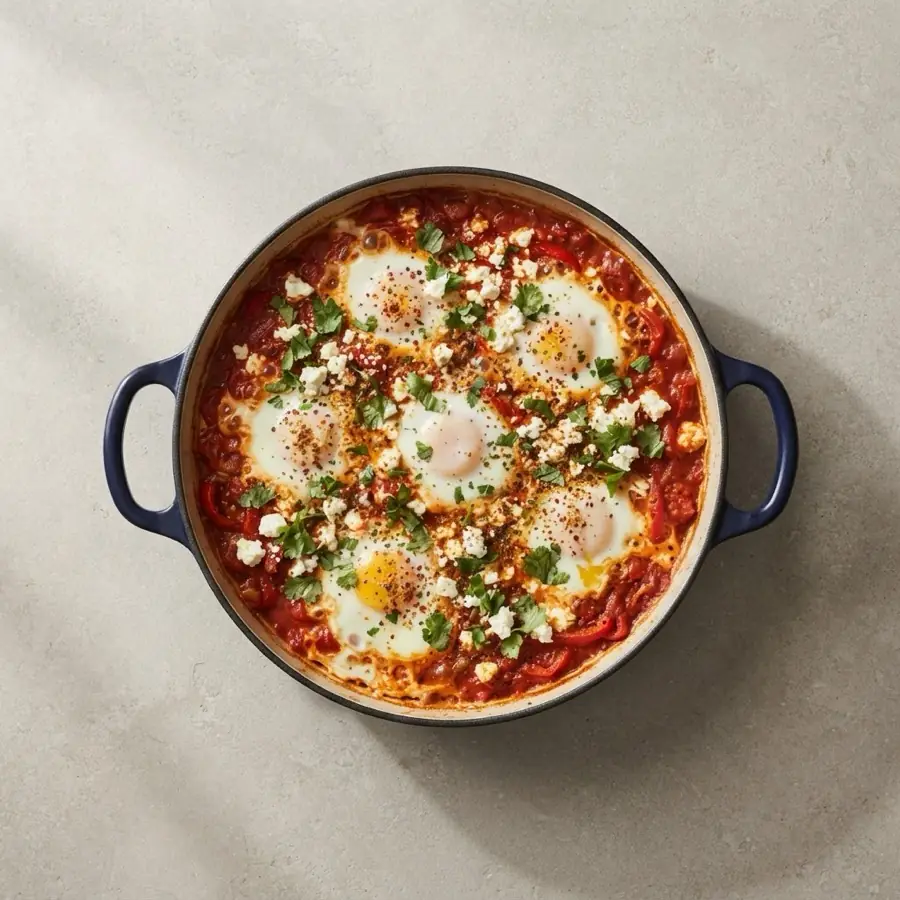
Shakshuka25 min
Groceries4 left
- 2 lemonsProduce
- Baby spinachProduce
- 200 g fetaDairy
- White misoInternational
Tonight
What's for dinner and when to start. Small, medium and large, plus Lock Screen sizes.
Timers
Every running timer, counting down. Pause or add a minute without opening the app.
Groceries
Check items off right from the widget, sorted by aisle.
Quick Cook
Your go-to recipes, one tap from Cook Mode.
Make It Again
Recipes you loved and haven’t made in a while.
Controls
Start a timer or jump back into cooking from Control Center, the Lock Screen or the Action button.
More ways Saucepan fits in.
New Apple HomeView
On the counter, readable from across the room.
Widgets
Answers before you open the app.
Siri and Shortcuts
Just ask, hands-free.
Live Activities
On the Lock Screen and Dynamic Island.
Apple Watch
Timers on your wrist.
CarPlay
Know what’s for dinner on the way home.
Visual Intelligence
Point your camera. Find your recipe.
 Quick Cook